

Smart home energy monitor technology is changing how homeowners cut wasted electricity and lower utility bills, but the real-world results come from understanding its tradeoffs—not hype. Here is a clear-eyed guide to the research-backed benefits, up-front limitations, and practical steps to pick and use the best home energy monitoring system for real savings.
Key Takeaways
- Smart home energy monitors can help you save 8–10% on your electricity bill in the first year—if you act on what you find.
- Installation, device identification accuracy, and smart home compatibility matter more than flashy features.
- Real savings require ongoing attention; many homeowners see results drop after the novelty wears off.
- Why a smart home energy monitor matters now
- How much can you realistically save?
- Most common user complaints and limitations
- Installation complexity—DIY vs professional and renter constraints
- Data accuracy and device disaggregation—what to expect
- Ecosystem compatibility and automation—beyond raw data
- How to choose the best home energy monitoring system—practical checklist
- Maximizing savings—behavior, alerts, and features that matter
- Quick comparison: common product approaches (examples to illustrate differences)
- Installation and first‑month setup plan (step‑by‑step)
- Final verdict—who should buy one, and when to skip
- Short buyer checklist / next steps (CTA)
- FAQ
Why a smart home energy monitor matters now
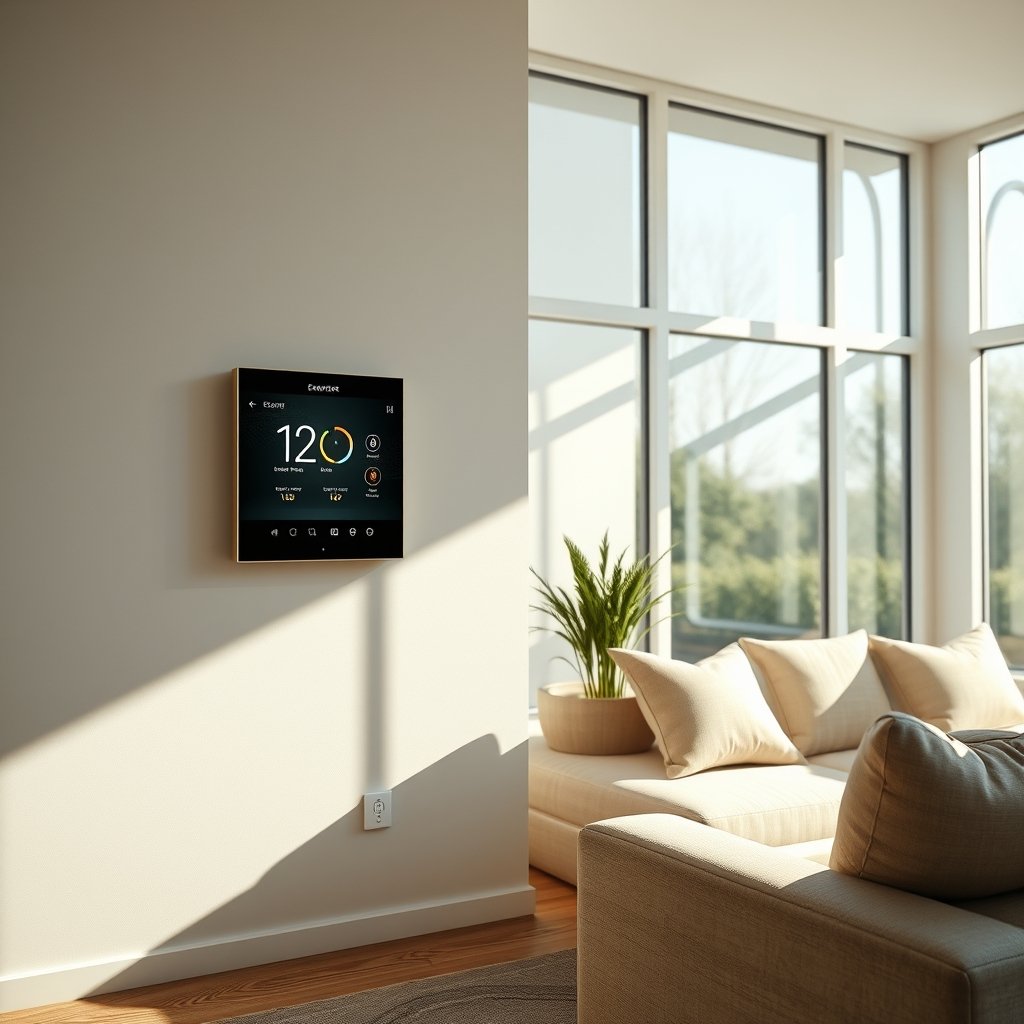
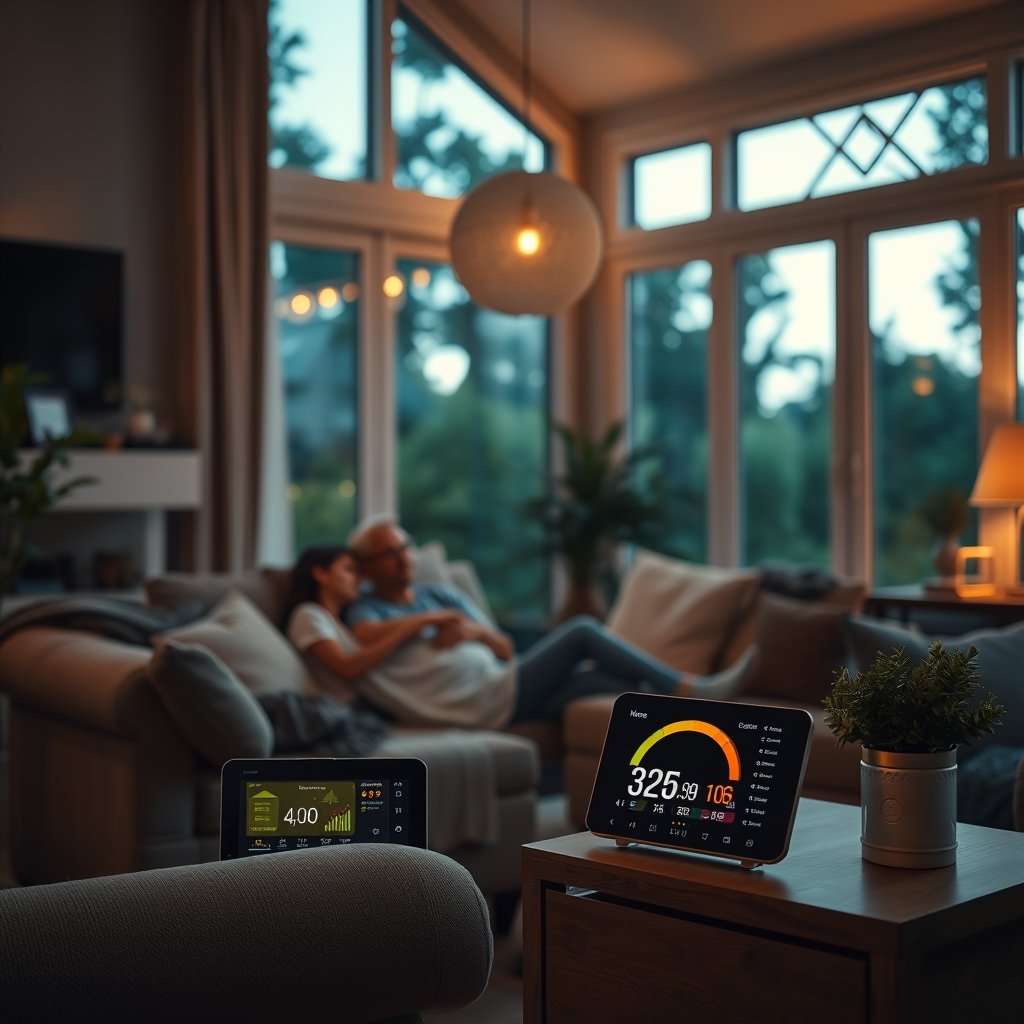
Today’s electricity costs and growing device loads make hidden energy waste more expensive than ever. A smart home energy monitor gives you real-time and historical visibility into your entire home’s energy use as well as individual devices—often called “energy vampires”—that silently drain power 24/7. Research finds these always-on loads can account for 10–15% of your household electricity use, whether it’s a cable box in a guest room, an unused printer, or an old pool pump. Spotting and addressing just a few of these is often the fastest path to savings.
How much can you realistically save?
Ignore marketing hype promising massive reductions. In 2024, field studies and manufacturer data agree: most homeowners save 8–10% in their first year using a smart home energy monitor. Highly engaged users acting on the data can see 15–20%. Some users pocket about $5–$10 per month, especially if they identify a single energy hog or fix a major scheduling issue. But the realistic range for users who actively respond to feedback falls between 5% and 12%. Your engagement—and your household’s willingness to respond—are the real drivers of higher savings.
For a deep-dive on top-ranked brands and features, see our Top 10 Smart Home Energy Monitors in 2026 comparison.
Most common user complaints and limitations
With all the promise, real-world users report some consistent frustrations. The most obvious complaint is accuracy—especially for identifying individual devices or “disaggregation.” Platforms like Panel clamp + machine learning boast high-speed sampling and machine learning, but still sometimes take weeks or months to properly track your oven, fridge, or HVAC. Even then, research and reviews show that up to 30–40% of your usage may remain unattributed.
Another common issue is information overload. The volume of raw usage data can overwhelm non-technical owners, making it hard to turn insights into habits that last. Many users describe a “honeymoon” phase after buying a smart home energy monitor, followed by a drop in attention once curiosity fades. Lastly, installation is often the biggest hurdle—some systems require opening the main electrical panel and attaching sensors, which usually means hiring a licensed electrician. DIY kits exist but may be fiddly and time-consuming.
Source: Wirecutter: Do You Really Need a Home Energy Monitor?
Installation complexity—DIY vs professional and renter constraints
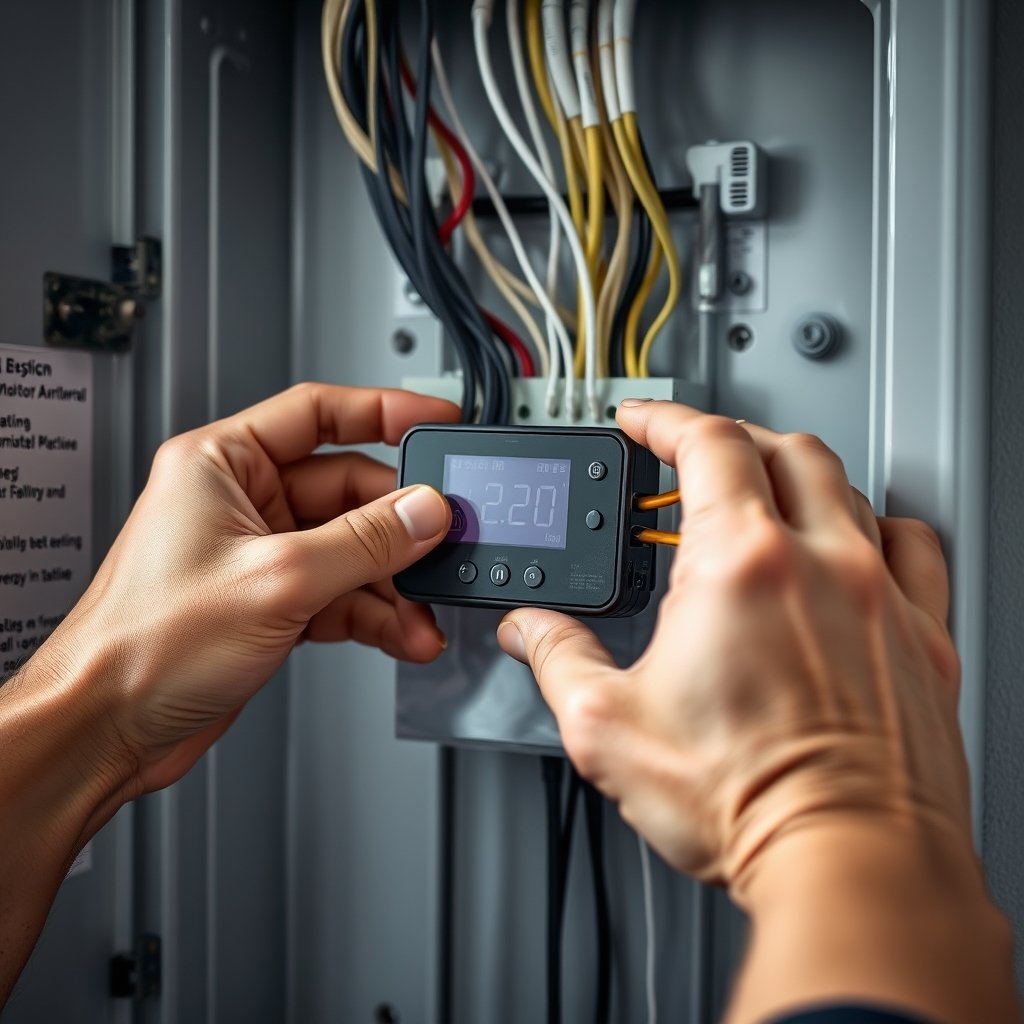
The installation path depends heavily on your home and your DIY comfort. Most whole-home energy monitors use current transformer (CT) clamps on your breaker panel’s main wires. This often requires a licensed electrician, especially if your local code prohibits homeowners from opening electrical panels. Some brands offer circuit-level sensor packs, adding granularity—but also complexity.
DIY kits exist and can be tackled by electrically experienced homeowners, but be ready for a tight space, confusing wire layouts, and a half-day project. Renters are usually limited to smart plug-based monitors, which plug into standard outlets and track individual devices. These won’t monitor hardwired appliances but can help with refrigerators, entertainment centers, and more.
For circuit-by-circuit tips, check out this home energy monitor buyer’s guide.
Data accuracy and device disaggregation—what to expect
Most homeowners want to “see” what each device uses. The two major approaches are:
- Panel-level + machine learning disaggregation: Systems like Sense sample your home’s electrical current rapidly, applying algorithms to guess which devices are running. They may take days or weeks to learn your unique patterns, and even then, some usage stays unassigned. Field reports often cite 30–40% of power remaining unattributed after months.
- Circuit-level monitoring: Products like Emporia Vue Gen 3 place sensors on multiple circuits for more granular, immediate data. You get faster results for each circuit, but adding more appliances means more clamps and more setup.
Neither model delivers 100% precision, but circuit-level generally gives quicker, more reliable data—at the cost of installation complexity.
External source: CNET: Can a Home Energy Monitor Lower Your Bills?
Ecosystem compatibility and automation—beyond raw data
To get the most value from the best home energy monitoring system, focus on what it integrates with, not just what it reports. Look for compatibility with:
- Smart thermostats (for automated run schedules)
- Home automation hubs (Google Home, Alexa, HomeKit, SmartThings)
- Utility demand-response programs (automatic adjustment in return for bill credits)
Without ecosystem support, you’re stuck manually acting on the numbers every month. Broad compatibility lets you create triggers, alerts, and automate cost-cutting steps—ensuring savings last well beyond the honeymoon phase.
For a rundown of smart home automation tools, see our guide to the best smart thermostats for home in 2026.
How to choose the best home energy monitoring system—practical checklist
Ready to sort options? Use this step-by-step smart home energy monitor selection checklist:
- Decide monitoring level: Do you need whole-home insight or deep circuit-level breakdowns?
- Review installation requirements: Are you comfortable DIY, or will you need an electrician?
- Evaluate device learning speed and accuracy: Do you value instant circuit tracking, or are you okay with machine learning delays?
- Check app and interface simplicity: Is the dashboard clear for ongoing use?
- Prioritize integrations: What other smart devices or programs do you want to link?
- Compare costs and payback period: Can you expect realistic 8–10% bill savings in your first year?
Emporia advertises about 10% monthly bill reduction; real-world and field reviews place the realistic savings for most around 8–10% in year one. See full product breakdowns in our Top 10 Smart Home Energy Monitors overview.
Maximizing savings—behavior, alerts, and features that matter
Your device can only save you money if you use it proactively. Here’s how to get the highest ROI:
- Target energy vampires first: Seek out always-on loads (old cable boxes, idle electronics, pool pumps) and unplug or schedule them.
- Use scheduling and automation: Move heavy loads (laundry, dishwashers) to off-peak hours when possible.
- Set up alerts: Configure usage alerts or notifications for when certain devices run unusually long or overnight.
- Review and reinforce: Make a habit of checking weekly trend reports. Highly engaged users see up to 15–20% reductions—casual users often drop attention after the first month.
For maximizing savings with solar/self-generation, read How Often Should You Clean Solar Panels?
Quick comparison: common product approaches (examples to illustrate differences)
| Product/Type | Monitoring Approach | Accuracy/Speed | Installation | Integrations | Typical Savings | Best Fit |
|---|---|---|---|---|---|---|
| Sense | Panel clamp + machine learning | Identifies major loads over days/weeks; 60–70% accurate | Professional preferred; electrician needed | Some smart home hubs, solar | 8–10% (higher w/ engaged user) | Whole-home, those with panel access |
| Emporia Vue Gen 3 | Immediate circuit data | Immediate circuit data; fast device ID | Professional or advanced DIY | Broad app, demand-response | ~10% (advertised), 8–10% (field) | Want fast/accurate circuit insights |
| Smart Plug Monitors | Outlet-based per-device usage | Immediate for plugged loads only | Plug-and-play, no panel access needed | App-based scheduling | Lower, very device-specific | smart plug system or apartment dwellers |
Source: Bob Vila: Best Home Energy Monitors of 2025
Installation and first‑month setup plan (step‑by‑step)
Here’s how to get your system working and producing actionable data, step by step:
- Pre-purchase: Check your panel access and local code. If renting, plan to use smart plugs or ask your landlord about energy data from building panels.
- Choose installation: Decide if you want professional installation or are comfortable with a DIY kit. For whole-home panel access, hiring an electrician is safest and usually required.
- Install hardware: On installation day, make sure the power is off. Mount the CT clamps (and circuit sensors, if applicable) in the panel, routing cables neatly out to the monitor hub. For smart plugs, plug them into high-usage outlets.
- Setup app and system: Download the energy monitor’s app. Label every circuit or device you can, accurately set your utility rate, and enable notifications and alerts.
- Monitor for 30 days: Begin tracking usage. Most big “energy hogs” will show up in the first week—take action to address waste.
- Check-in and adjust: After a month, review patterns. Adjust schedules, automate events, or continue targeting new wasteful loads each month.
Final verdict—who should buy one, and when to skip
The best home energy monitoring system is a smart investment if you are:
- A homeowner willing to use the data and act on it, especially if you have panel access or budget for professional installation
- Interested in smart home automation and want to link with other platforms or demand-response programs
- Willing to check and adjust habits over the first few months
However, if you’re a renter (can’t modify panels), have no appetite for reviewing data, or can only use a single device monitor, consider a smart plug system or skip for now. The research shows the device pays for itself if you’re engaged, but becomes a costly gadget if ignored after the first month.
Get more side-by-side product info in our smart home energy monitor comparison.
Short buyer checklist / next steps (CTA)
Ready to take the next step? Here’s your quick action list:
- Check breaker panel access (DIY or electrician needed?)
- Set a realistic savings goal of 8–10% (track over 30 days)
- Choose your preferred installation path (whole-home, circuit-level, or smart plug)
- List integrations you care about (smart thermostat, automation, solar-ready, app ease)
- Plan your first 30 days of action (label, set alerts, fix vampires, review weekly)
Field data shows typical first-year savings of 8–10%, with highly engaged users going up to 20%. Your results depend on what you do with the data.
FAQ
Are smart home energy monitors worth it for small homes or apartments?
For small homes or apartments, a smart home energy monitor can still reveal wasteful devices, but the total dollar savings may be lower. If you rent, look for plug-in monitors, which are totally DIY-friendly. The investment is most worth it if your home has multiple large appliances or you plan to stay invested in ongoing energy savings.
Do I need a professional electrician for installation?
For panel-level (whole-home or circuit-level) systems, hiring a licensed electrician is usually safest and sometimes required by code. For plug-in smart monitors, no electrician is needed—just plug them in and set up the app.
How long until I see results after setup?
Most major savings opportunities (like “energy vampires” or forgotten loads) show up within the first week. By the end of the first month, you’ll have a clear pattern to guide actions and maximize savings.
Can these monitors identify every single device in my home?
No system is perfect. Machine learning platforms take time to learn patterns, and even after weeks some usage may be unattributed (often 30–40%). Circuit-level sensors provide faster data, but require more setup.
What are realistic yearly savings for most homeowners?
Expect real average savings of 8–10% off your electric bill in the first year, according to field studies and user data. If you actively adjust habits and use automation, some households reach up to 20% savings.
—